26/11/2020 Pillar center
- 2574267
- Dec 1, 2020
- 1 min read
Updated: Dec 10, 2020

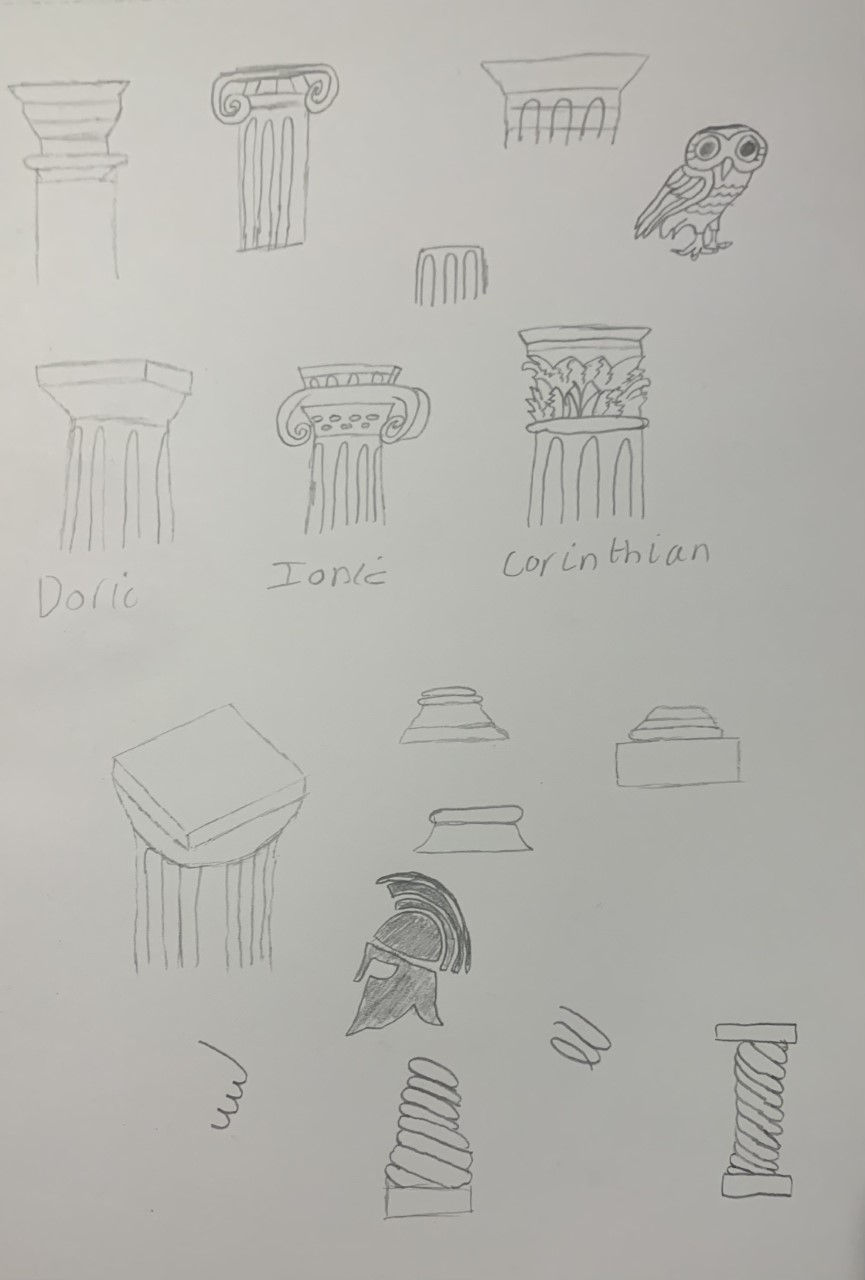
My column design was inspired by these kind of spiral designs. my column will probably end up looking a bit different since I want to implement circular bases instead of cylinders.
First I started of with a plane circle and rotated it by 90 on the x-axis by pressing R+X+90

next I went into edit mode and pressed A to select all points on the circle, this step is important because if done wrong then the modifier will not work properly.

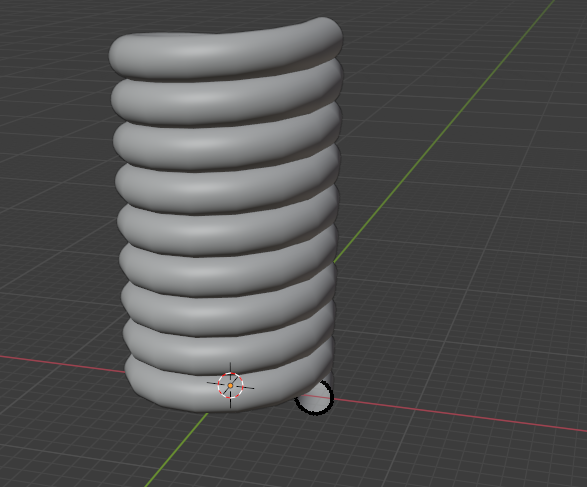
add the screw modifier and you should get this.

next put the axis on Y and make the screw number go lower to make the screw closer together, if you want the screw to be longer and add more tubes then put the number of iterations up.


Comments