30/11/2020 Pillar Top
- 2574267
- Dec 8, 2020
- 1 min read
Updated: Jun 3, 2021
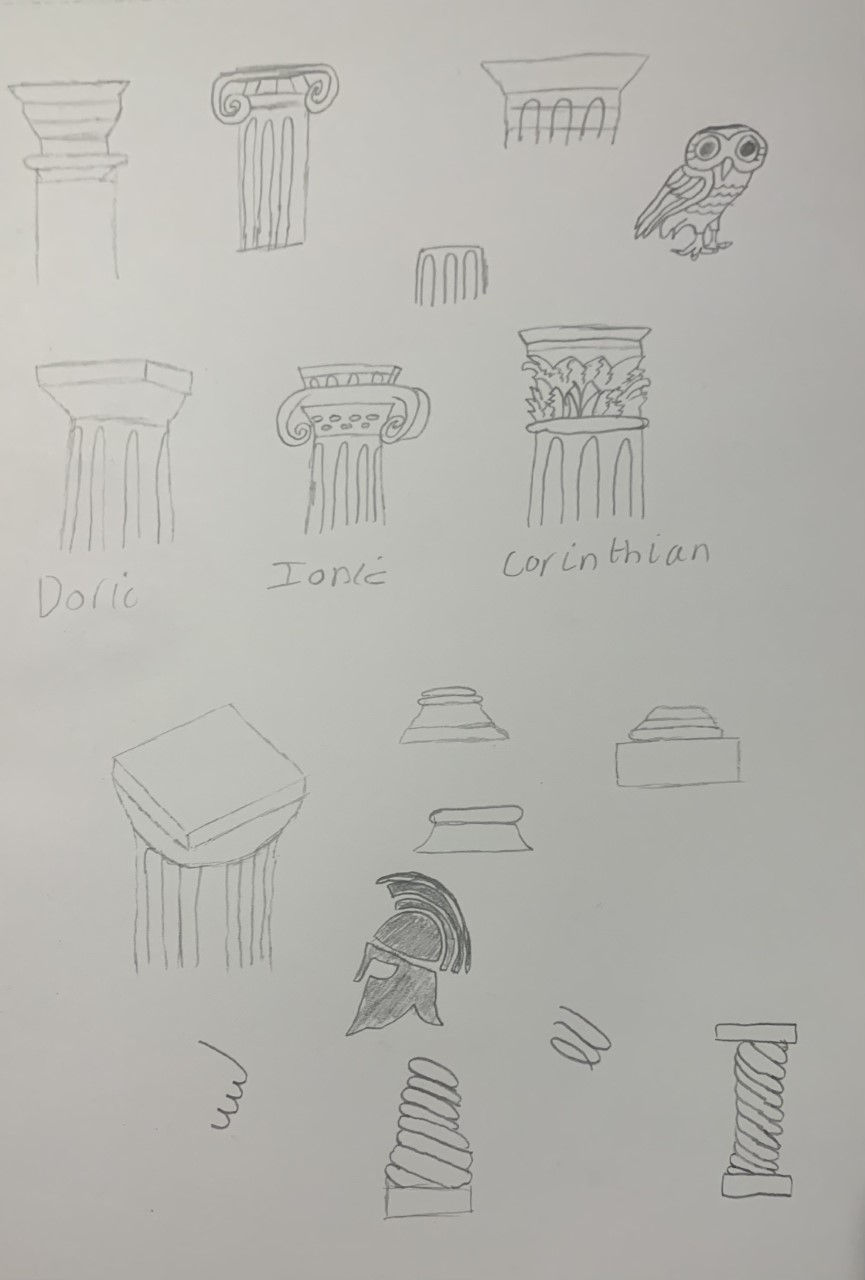
For my top I based my design on the Ionic pillars capitals.
The volutes lay angled out on the corners. This feature of the Ionic order made it more unique, technical and satisfactory than the Doric to people who viewed pillars carefully in the Greek Era.

To make this capital I started by face selecting these faces in edit mode.

Next I extruded the faces out depending on how big I wanted the section that is in-between the two volutes.

Then i selected the vertexes of the end of the extruded section, then I moved them down on the z axis. However, just moving them down doesn't make them completely straight so to do this i had to selcect the vertexes on the edge and press S+Y+0. Then on the top and bottom vertexes only you will have to press S+Z+0.

To make the spiral on the volute you will have to go on face select and inset faces multiple times depending on how many circles you want.

once you have insetted faces you will want to select them all at once and extrude them back.

To use the mirror modifier on this you will have to do a loop cut down the middle.

Then delete the side that does not have the insetted faces on and it should look like this.

Add a mirror modifier and select Y and Z for the axis to mirror. To make the other sides visible you will have to press A in edit mode to select everything and move the whole object on the Y-axis. This should give you this shape on both sides.


Comments