12/11/2020 Pillar Base
- 2574267
- Nov 16, 2020
- 1 min read
Updated: Dec 10, 2020
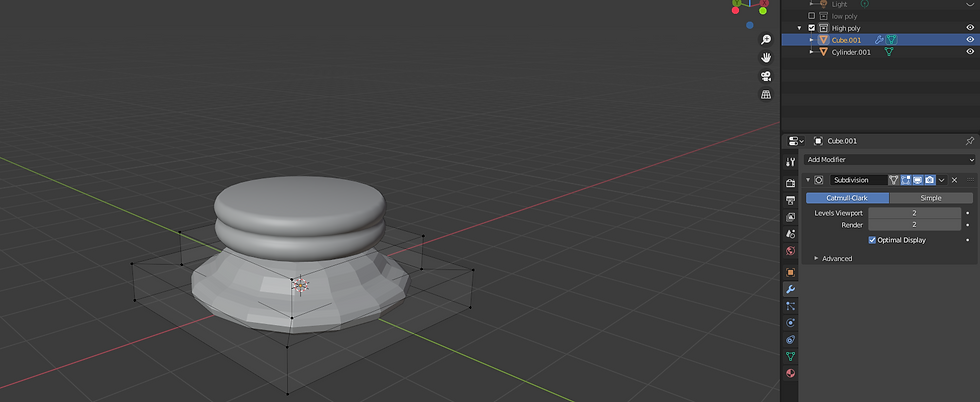
Firstly i started of with a cube and made its z axis slighty smaller.

Next i used the inset faces tool in edit mode.

Then i extruded the inner face.

To make the second part i inserted a cylinder, shortend its z axis and then used the loop cut tool to make 5 edges on the side.

I then removed the top and bottom faces.

To make the cylinder curve i used the proportinal editing tool and selected the middle edge, i resized the cylinder while the proportinal editing circle was zooming in which creates the curve.


I then duplicated the cylinder and placed it on top and joined them, then filled in the top and bottom face by selecting the top edge and pressing 'F'

Here is a slighty sped up video of the process.



Comments